Download free sample PNG (Portable Network Graphics) files for web development, image processing, and software testing. PNG is a lossless image format with full alpha transparency support, making it the standard for web graphics, UI elements, logos, and icons. Our collection includes transparent images, various color depths (8-bit indexed, 24-bit RGB, 32-bit RGBA, 16-bit per channel), interlaced files, a 1×1 pixel placeholder, and high-resolution photos. Every file is free — no sign-up required.
Why use our sample PNG files?
- Full alpha transparency support — test transparent overlays, logos, and UI elements
- Multiple color depths: 8-bit indexed (256 colors), 24-bit RGB, 32-bit RGBA, and 16-bit per channel
- Sizes from 1×1 pixel to 4000×3000 pixels
- Includes interlaced PNG for progressive loading testing
- 100% free to download — no account required
- Ideal for testing image renderers, transparency compositing, format conversion, upload forms, and web layouts
All sample PNG files for download
| File Name | Size | Dimensions | Color Depth | Transparency | Download |
|---|---|---|---|---|---|
| 1×1 pixel placeholder | 70 B | 1×1 | 32-bit RGBA | Yes (fully transparent) | Download |
| Small icon | 506 B | 64×64 | 32-bit RGBA | Yes | Download |
| Logo with transparency | 3.84 KB | 200×200 | 32-bit RGBA | Yes | Download |
| Indexed color (256 colors) | 1.54 KB | 800×600 | 8-bit indexed | No | Download |
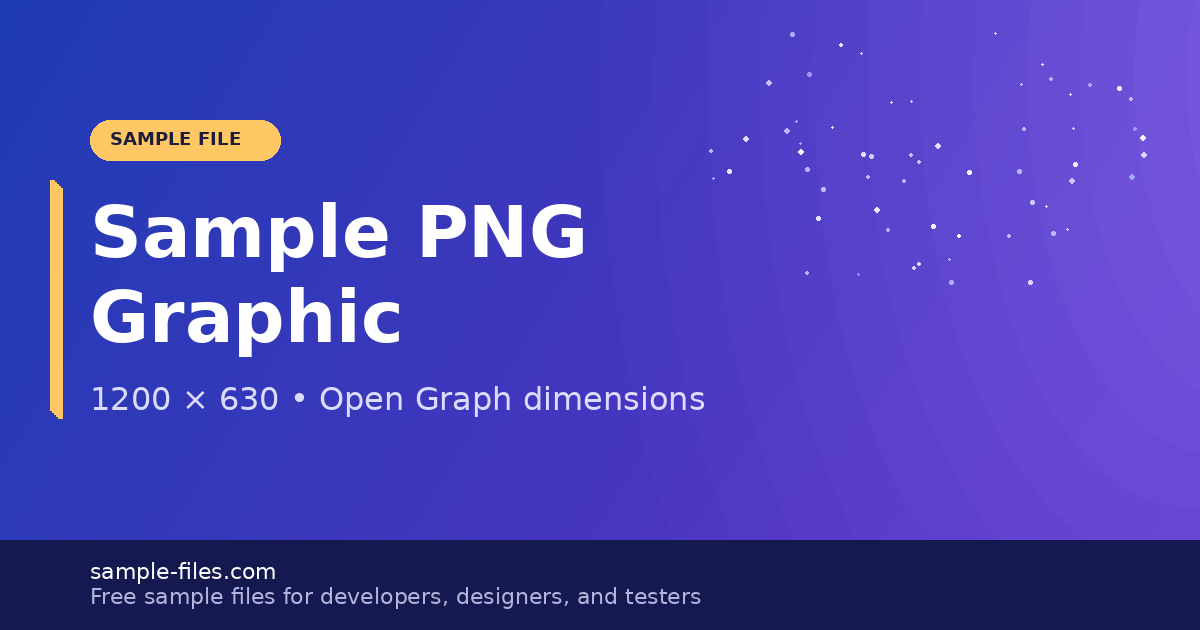
| Web graphic (RGB) | 67.1 KB | 1200×630 | 24-bit RGB | No | Download |
| Gradient with transparency | 11 KB | 1920×1080 | 32-bit RGBA | Yes (gradient alpha) | Download |
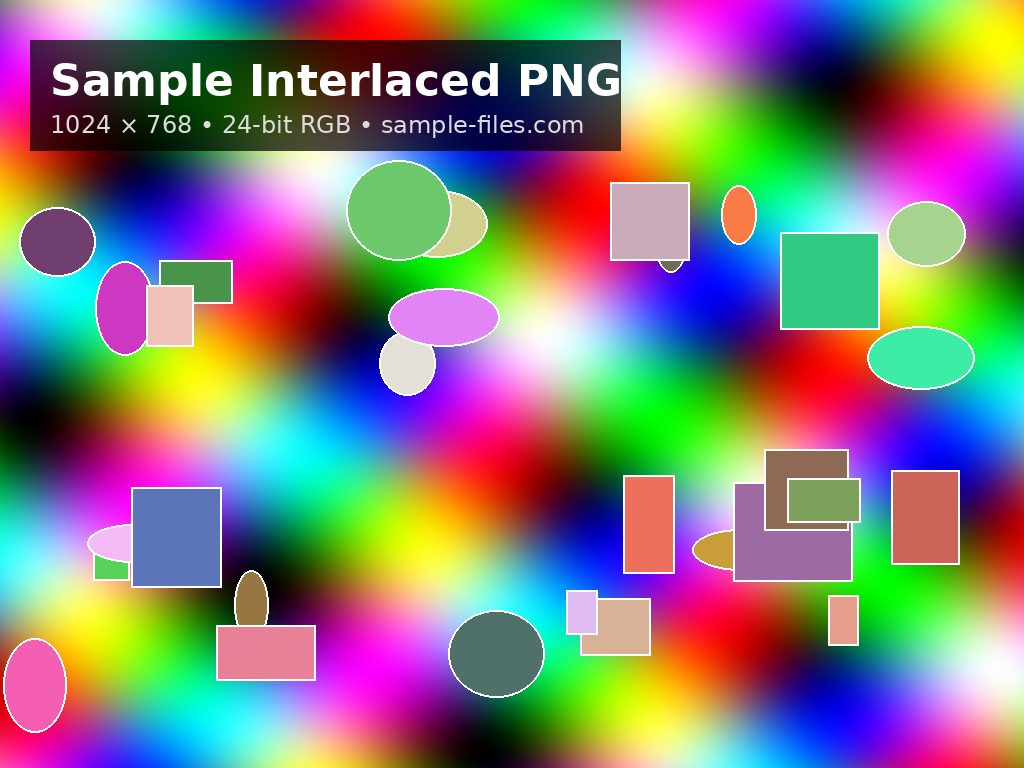
| Interlaced PNG | 548 KB | 1024×768 | 24-bit RGB | No | Download |
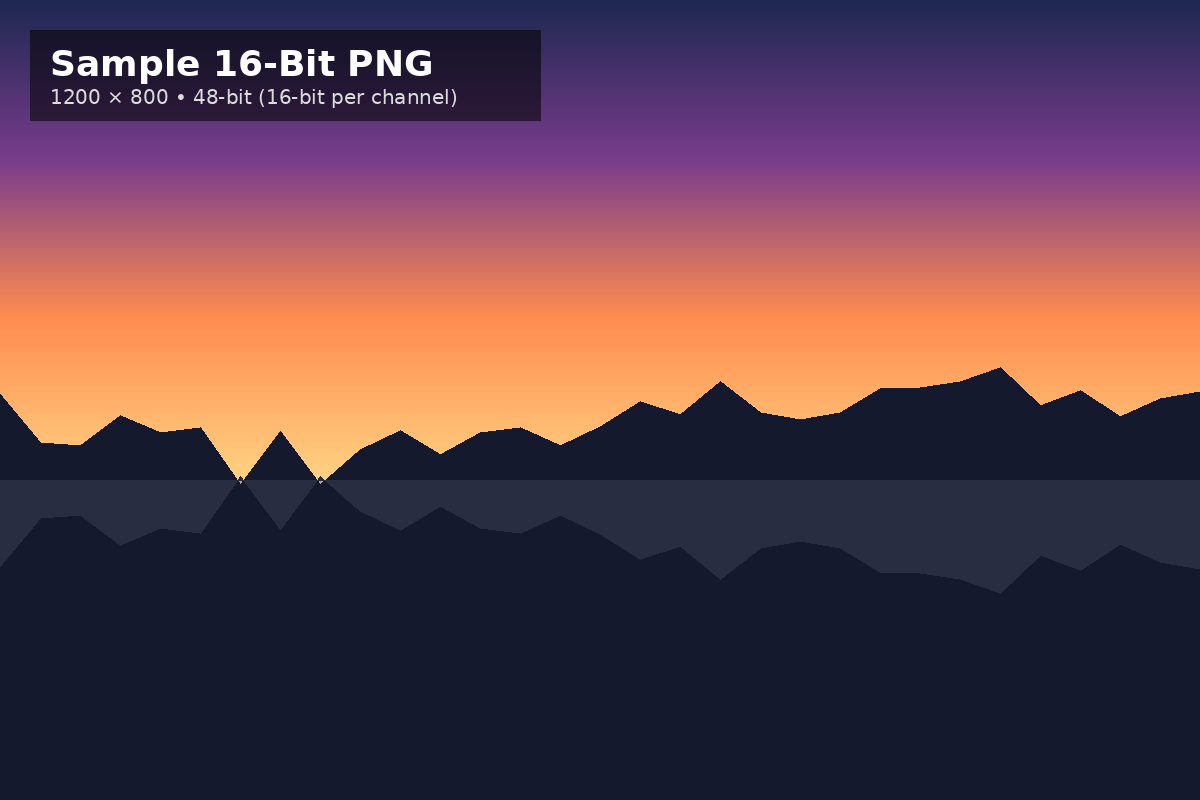
| 16-bit depth | 28.6 KB | 1200×800 | 48-bit (16-bit/channel) | No | Download |
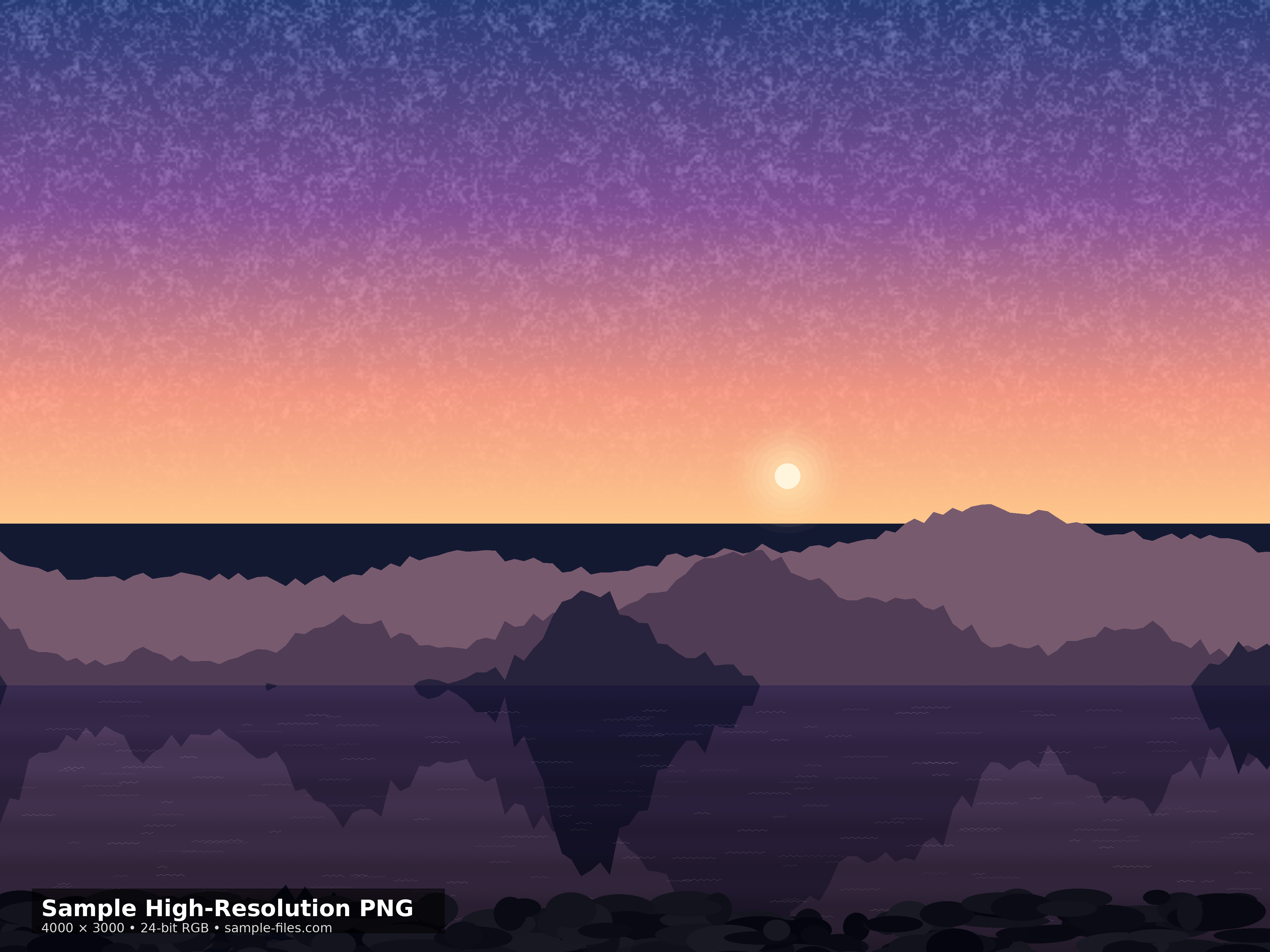
| High-resolution photo | 6.83 MB | 4000×3000 | 24-bit RGB | No | Download |
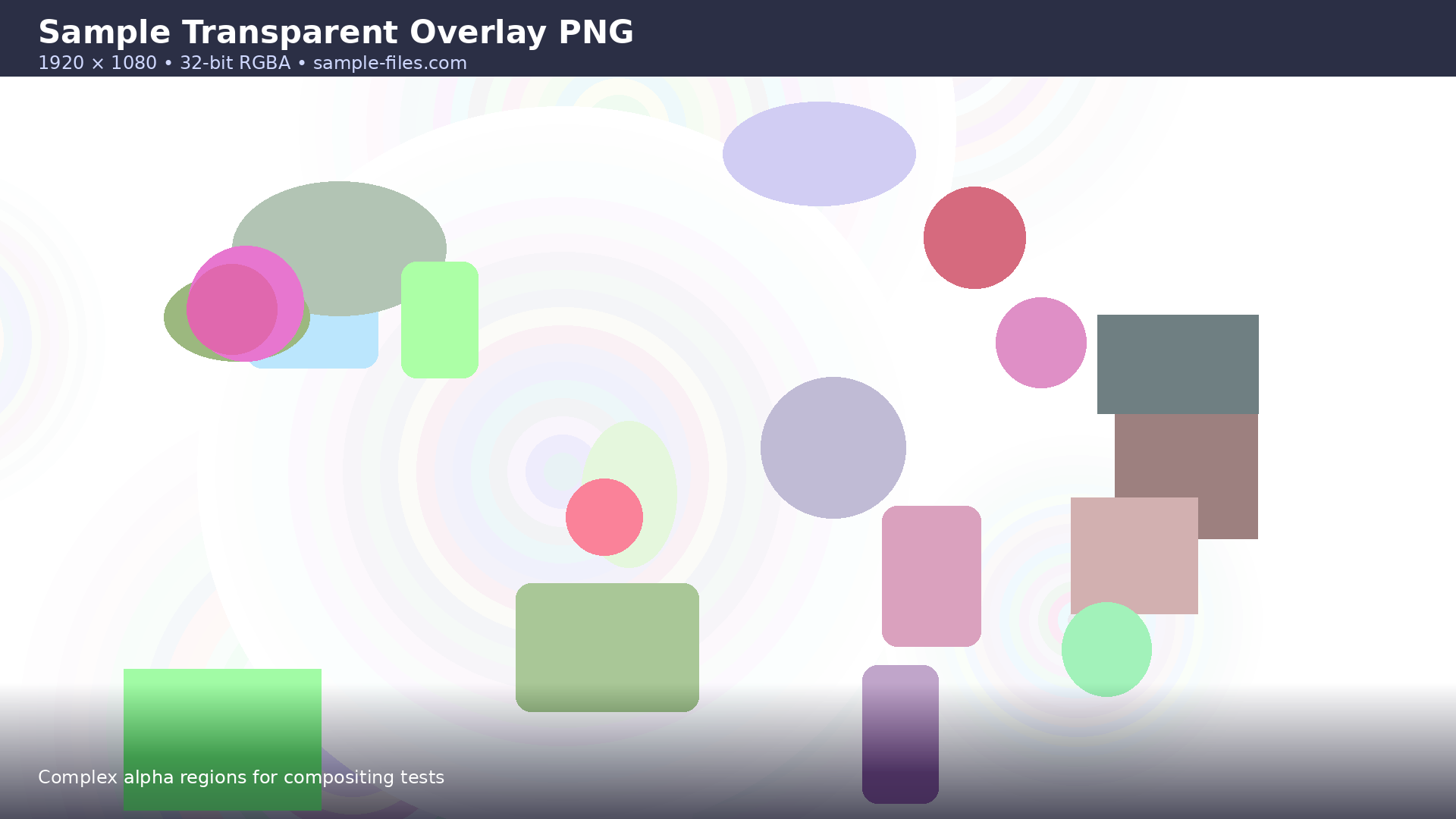
| Large transparent overlay | 128 KB | 1920×1080 | 32-bit RGBA | Yes (complex alpha) | Download |




Browse sample PNG files by category
By color depth
- 8-bit indexed (256 colors) — Smallest file size, palette-based color
- 24-bit RGB — Standard full-color (16.7 million colors, no transparency)
- 32-bit RGBA — Full-color with alpha transparency channel
- 48-bit (16-bit per channel) — High dynamic range color (281 trillion colors)
By use case
- Placeholder — 1×1 transparent pixel (spacer, lazy loading, data URI)
- Icon — 64×64 with transparency (favicon, app icon testing)
- Logo — 200×200 with transparency (brand overlay testing)
- Social media / OG image — 1200×630 (Open Graph, Twitter Card testing)
- Transparent overlay — 1920×1080 with gradient alpha (compositing testing)
- High-resolution photo — 4000×3000 (large file handling, upload limits)
Sample PNG file details
1. 1×1 pixel placeholder
Size: 70 B
Dimensions: 1×1 pixels
Color depth: 32-bit RGBA
Transparency: Fully transparent
Description: A single transparent pixel — the smallest valid PNG file. Use this as a spacer image, a lazy loading placeholder, a data URI source (data:image/png;base64,...), or for testing how your application handles minimal-dimension images.
2. Small icon
Size: 506 B
Dimensions: 64×64 pixels
Color depth: 32-bit RGBA
Transparency: Yes
Description: A small icon with alpha transparency at the standard 64×64 icon size. Use this to test favicon rendering, app icon display, icon sprite generation, and how your image processing handles small transparent PNGs.
3. Logo with transparency
Size: 3.84 KB
Dimensions: 200×200 pixels
Color depth: 32-bit RGBA
Transparency: Yes
Description: A logo-style graphic with a transparent background. Use this to test PNG transparency compositing — overlaying the logo on different background colors should show clean edges with no white fringing or halo artifacts.
Download Logo with Transparency
4. Indexed color (256 colors)
Size: 1.54 KB
Dimensions: 800×600 pixels
Color depth: 8-bit indexed (256-color palette)
Transparency: No
Description: An image using an indexed 256-color palette instead of full RGB. Indexed PNGs are significantly smaller than 24-bit PNGs but limited to 256 colors. Use this to test support for PNG color type 3 (indexed), palette extraction, and how your application handles palette-based images vs truecolor.
5. Web graphic (RGB)
Size: 67.1 KB
Dimensions: 1200×630 pixels
Color depth: 24-bit RGB
Transparency: No
Description: A standard web graphic at the Open Graph / social media sharing dimensions (1200×630). Use this to test OG image rendering, social preview cards, responsive image scaling, and how your CMS handles PNG uploads for social sharing metadata.
6. Gradient with transparency
Size: 11 KB
Dimensions: 1920×1080 pixels
Color depth: 32-bit RGBA
Transparency: Yes (gradient alpha channel)
Description: A full HD image with a gradient alpha channel — the image transitions smoothly from fully opaque to fully transparent. Use this to test alpha blending, gradient transparency compositing, and how your renderer handles partial transparency values (not just fully opaque or fully transparent).
Download Gradient with Transparency
7. Interlaced PNG
Size: 548 KB
Dimensions: 1024×768 pixels
Color depth: 24-bit RGB
Transparency: No
Description: An interlaced (Adam7) PNG that renders progressively — displaying a low-resolution preview first, then refining in 7 passes. Use this to test progressive image rendering, lazy loading behavior, and how your browser or image viewer handles interlaced vs non-interlaced PNGs. Interlaced PNGs are slightly larger than non-interlaced but provide a better perceived loading experience.
8. 16-bit depth
Size: 28.6 KB
Dimensions: 1200×800 pixels
Color depth: 48-bit (16 bits per channel RGB)
Transparency: No
Description: A high bit-depth PNG with 16 bits per color channel (65,536 levels per channel vs 256 in standard 8-bit). This provides over 281 trillion possible colors and is used in professional photography, medical imaging, and scientific visualization. Use this to test how your application handles high bit-depth images — many image viewers and web browsers silently downconvert 16-bit PNGs to 8-bit.
9. High-resolution photo
Size: 6.83 MB
Dimensions: 4000×3000 pixels
Color depth: 24-bit RGB
Transparency: No
Description: A large, high-resolution PNG photograph. At 11.5 MB, this file tests large image handling, upload form size limits, server-side image processing (resizing, thumbnailing), memory usage when decoding, and how your CDN delivers large PNG files. PNG is not the ideal format for photographs (JPEG is more efficient), but many applications receive PNG photo uploads that need to be handled correctly.
Download High-Resolution Photo
10. Large transparent overlay
Size: 128 KB
Dimensions: 1920×1080 pixels
Color depth: 32-bit RGBA
Transparency: Yes (complex alpha regions)
Description: A full HD PNG with complex transparency regions — a mix of fully opaque, partially transparent, and fully transparent areas. Use this to test alpha compositing with background images, CSS overlay rendering, image editor transparency handling, and how your application processes RGBA files with complex alpha masks.
Download Large Transparent Overlay
How to use these sample PNG files
- Click the “Download” button next to the file you need.
- Save the PNG file to your device.
- Open in any image editor (Photoshop, GIMP, Figma), web browser, or your development environment.
- Use for testing image rendering, transparency compositing, format conversion, upload forms, or responsive image pipelines.
Note: These sample PNG files are free to download and use for testing, development, and educational purposes. For commercial use, please provide proper attribution.
Download sample images in other formats
- Sample JPG files — Lossy compressed photos at various resolutions and quality levels
- Sample GIF files — Animated and static images for web testing
- Sample WebP files — Modern format with lossy and lossless compression
- Sample TIFF files — High-quality images for print and archival
- Sample SVG files — Scalable vector graphics for resolution-independent rendering
FAQs about sample PNG files
What is the difference between PNG and JPG?
PNG uses lossless compression — no quality is lost when saving, and it supports transparency (alpha channel). JPG uses lossy compression — it discards image data to achieve smaller files, and it does not support transparency. PNG is ideal for graphics with sharp edges, text, logos, icons, and UI elements where quality and transparency matter. JPG is ideal for photographs where small file size is more important than pixel-perfect quality. A 1200×800 photo might be 200 KB as JPG but 2 MB as PNG.
What do the different PNG color depths mean?
PNG supports several color modes: 8-bit indexed (256 colors from a palette — smallest file size), 24-bit RGB (16.7 million colors — standard full-color), 32-bit RGBA (24-bit color + 8-bit alpha transparency), and 48-bit (16 bits per channel — over 281 trillion colors for professional/scientific use). The “A” in RGBA stands for alpha — the transparency channel. Our collection includes files at each color depth so you can test how your application handles different PNG color types.
What is an interlaced PNG?
An interlaced PNG uses Adam7 interlacing to render progressively — instead of loading top-to-bottom line by line, it displays a blurry low-resolution preview first, then refines in 7 passes until the full image is visible. This gives users something to see while the image is still loading. The tradeoff is that interlaced PNGs are typically 5–10% larger than non-interlaced PNGs. Our interlaced sample lets you test how your browser or image viewer handles progressive PNG rendering.
What is the difference between PNG and WebP?
WebP is a newer image format developed by Google that supports both lossy and lossless compression, plus transparency and animation. Lossless WebP files are typically 25–35% smaller than equivalent PNGs. WebP has broad browser support (Chrome, Firefox, Edge, Safari 14+) but is not universally supported by all image editors and legacy systems. PNG remains the safer choice when maximum compatibility is required. For modern web projects, consider serving WebP with PNG fallback.
Can I use these PNG files for upload form testing?
Yes. The collection ranges from 70 bytes (1×1 placeholder) to 11.5 MB (high-resolution photo), so you can test file size limits, MIME type validation (image/png), dimension restrictions, and server-side image processing at various scales. The transparent images also test whether your upload pipeline preserves or strips the alpha channel.
Are these PNG files safe to download?
Yes, all sample PNG files on this page are clean, verified, and free of malware. They are standard image files containing only pixel data and standard PNG metadata — no embedded scripts, no executable code.