Download free sample JPG files for testing, development, and design. Our collection includes JPG/JPEG images in multiple resolutions — from tiny thumbnails to high-resolution photos — with varied file sizes, color profiles, and compression levels. Use them to test image uploads, responsive layouts, compression tools, or any workflow that requires sample JPEG images.
Why use our sample JPG files?
- Diverse range of resolutions, from 1×1 pixel to 4000×2667
- Varied file sizes for upload limit and compression testing
- Includes baseline, progressive, grayscale, CMYK, and EXIF-rich JPGs
- Free to download — no sign-up required
- Ideal for web development, QA testing, and image processing workflows
Available sample JPG files for download
| File Name | Size | Resolution | Type | Download Link |
|---|---|---|---|---|
| 1×1 pixel placeholder | 630 B | 1×1 pixels | Baseline | Download |
| Tiny thumbnail | 11 KB | 150×150 pixels | Baseline | Download |
| Web optimized photo | 97 KB | 1200×800 pixels | Baseline | Download |
| Basic color test | 119 KB | 800×600 pixels | Baseline | Download |
| Large banner image | 125 KB | 1920×600 pixels | Baseline | Download |
| Social media square | 235 KB | 1080×1080 pixels | Baseline | Download |
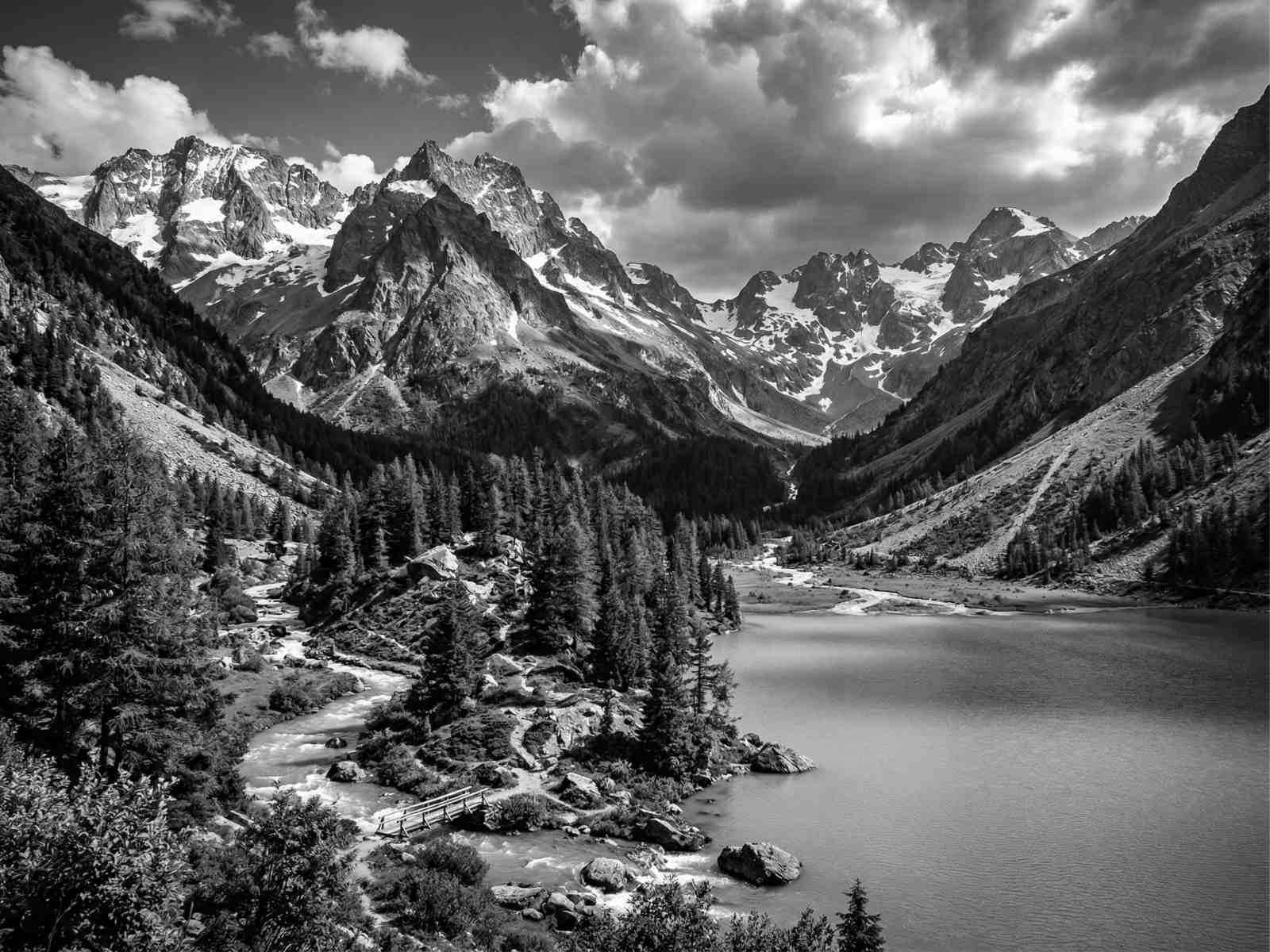
| Grayscale photo | 188 KB | 1600×1200 pixels | Grayscale | Download |
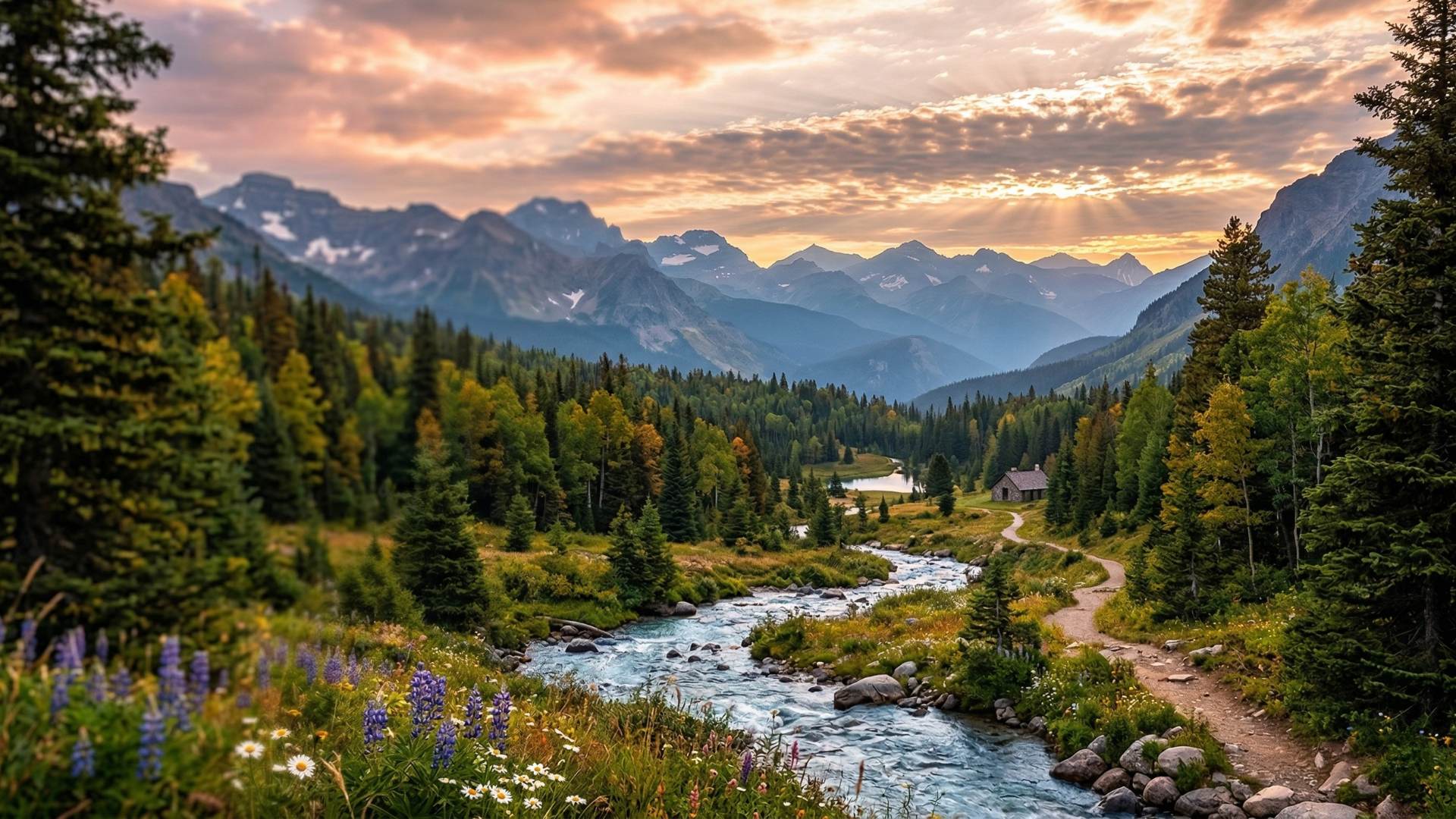
| Progressive JPG sample | 319 KB | 1920×1080 pixels | Progressive | Download |
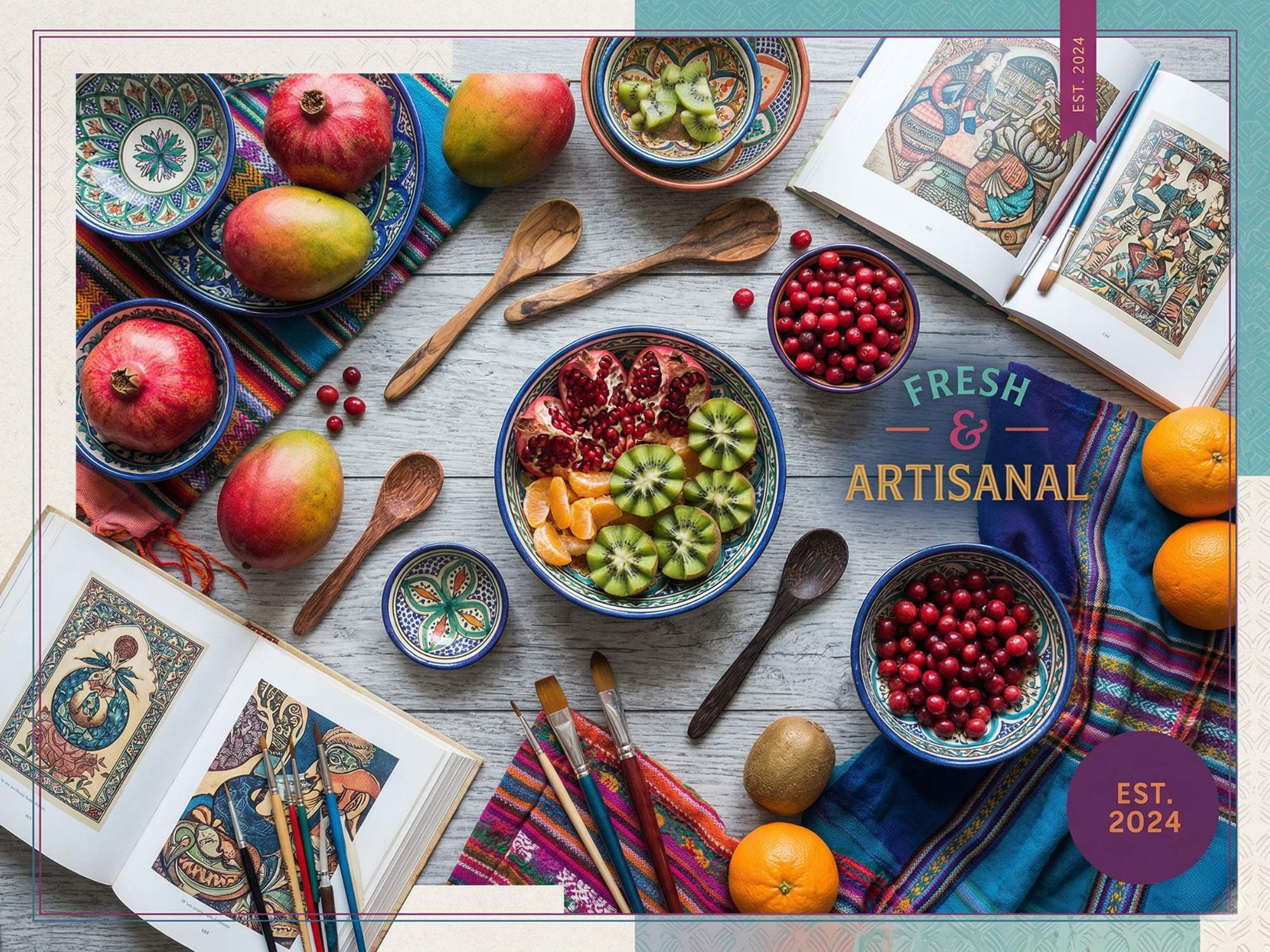
| CMYK color profile | 537 KB | 2000×1500 pixels | CMYK | Download |
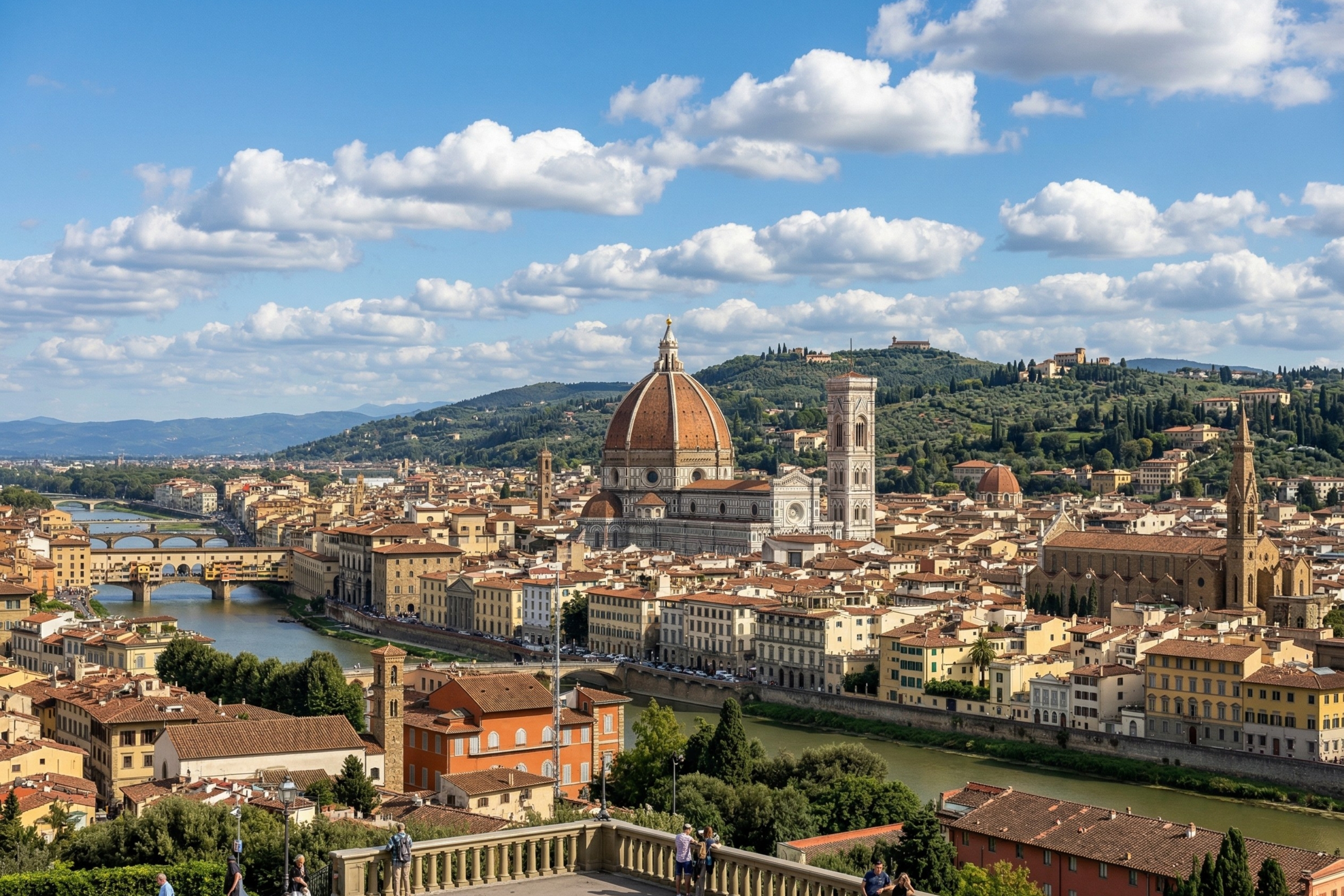
| EXIF-rich photo | 3.81 MB | 3000×2000 pixels | EXIF metadata | Download |
| High-resolution landscape | 6.83 MB | 4000×2667 pixels | Baseline | Download |
| Extra-large upload test | 11.6 MB | 5000×3333 pixels | Baseline | Download |




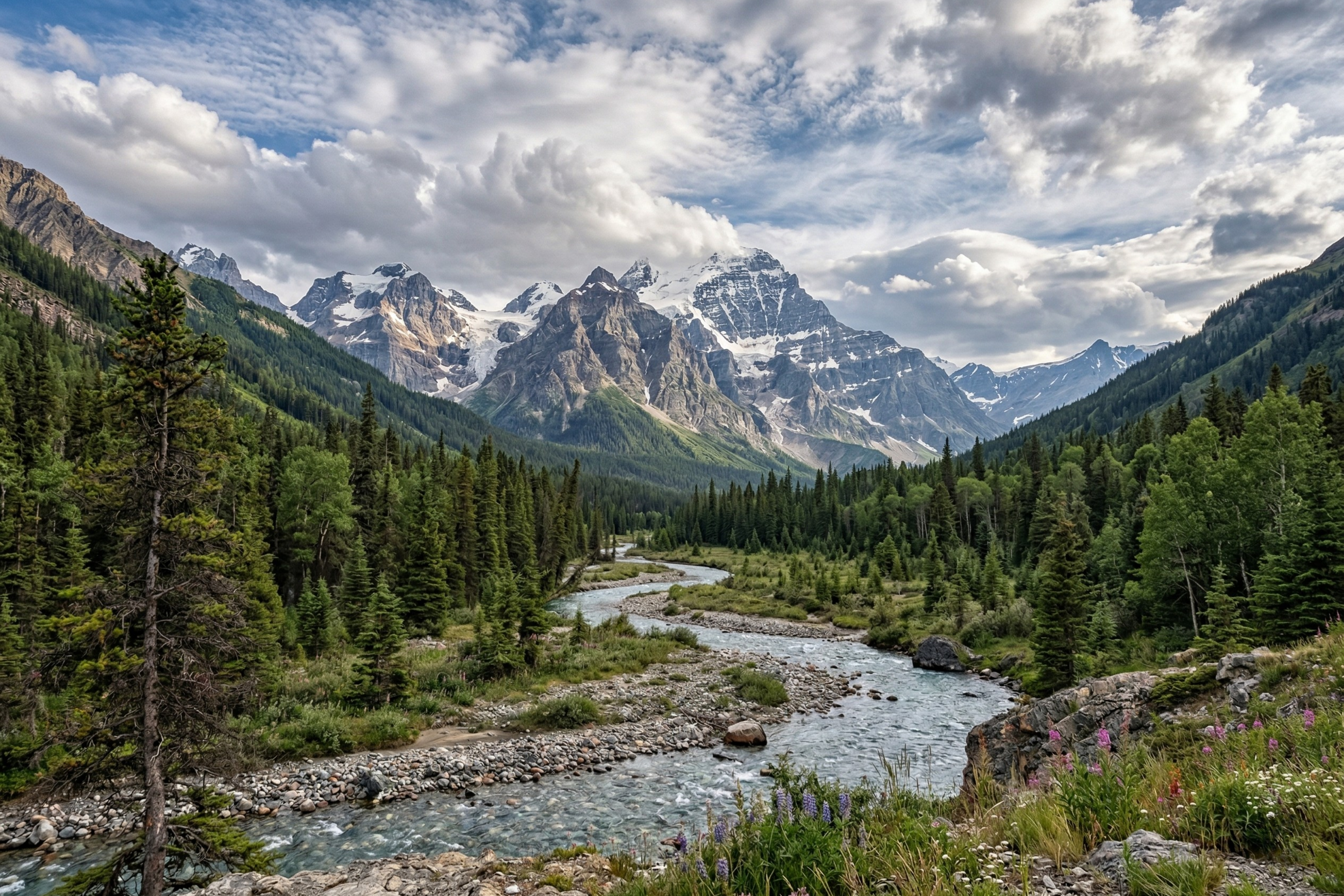
1. 1×1 pixel placeholder
Size: 630 B
Resolution: 1×1 pixels
Type: Baseline
Description: A single-pixel JPG image commonly used as a transparent tracking pixel or placeholder in HTML layouts. Useful for testing lazy-load scripts and image fallback behavior.
Download 1×1 Pixel Placeholder
2. Tiny thumbnail
Size: 11 KB
Resolution: 150×150 pixels
Type: Baseline
Description: A small square thumbnail image. Ideal for testing thumbnail generation, avatar displays, and grid layouts.
3. Web optimized photo
Size: 97 KB
Resolution: 1200×800 pixels
Type: Baseline
Description: An optimized image balanced for web performance. Great for testing page load times, responsive design breakpoints, and CDN delivery.
4. Basic color test
Size: 119 KB
Resolution: 800×600 pixels
Type: Baseline
Description: A color gradient image for testing color reproduction, display calibration, and basic image rendering across browsers and devices.
5. Large banner image
Size: 125 KB
Resolution: 1920×600 pixels
Type: Baseline
Description: A wide banner image sized for full-width hero sections. Use it to test responsive header designs, image cropping behavior, and CSS object-fit properties.
6. Social media square
Size: 235 KB
Resolution: 1080×1080 pixels
Type: Baseline
Description: A square-format image matching the standard Instagram and social media post dimensions. Perfect for testing social sharing previews, Open Graph image rendering, and square crop behavior.
7. Grayscale photo
Size: 188 KB
Resolution: 1600×1200 pixels
Type: Grayscale
Description: A single-channel grayscale JPG. Useful for testing image processing pipelines, color space detection, and black-and-white rendering in applications that handle color profiles.
8. Progressive JPG sample
Size: 319 KB
Resolution: 1920×1080 pixels
Type: Progressive
Description: A progressive JPEG that loads in multiple passes (low-res to full-res) rather than top-to-bottom. Use this to test progressive rendering support, compare load behavior against baseline JPGs, and validate image optimization tools.
Download Progressive JPG Sample
9. CMYK color profile
Size: 537 KB
Resolution: 2000×1500 pixels
Type: CMYK
Description: A JPG saved in CMYK color space (used in print workflows). Many web browsers and image libraries misrender CMYK images, making this file essential for testing color profile conversion, ICC profile handling, and print-to-web pipeline compatibility.
10. EXIF-rich photo
Size: 3.81 MB
Resolution: 3000×2000 pixels
Type: EXIF metadata
Description: A JPG with full EXIF metadata including camera model, GPS coordinates, exposure settings, and timestamps. Use this to test EXIF extraction libraries, metadata stripping tools, privacy scrubbing workflows, and photo gallery applications that display shooting data.
11. High-resolution landscape
Size: 6.83 MB
Resolution: 4000×2667 pixels
Type: Baseline
Description: A detailed landscape photo at near-print quality. Ideal for testing image scaling algorithms, compression ratios, and high-DPI (Retina) display rendering.
Download High-Resolution Landscape
12. Extra-large upload test
Size: 11.6 MB
Resolution: 5000×3333 pixels
Type: Baseline
Description: A large JPG designed for stress-testing file upload limits, server-side image processing, and memory handling in image manipulation libraries. At 12 MB, this file will trigger file size restrictions on most web platforms.
Download Extra-Large Upload Test
How to use these sample JPG files
- Click the “Download” button next to your chosen file.
- Save the JPG file to your device.
- Use the image in your development, testing, or design workflow.
- Test with image editors, upload forms, responsive layouts, or processing libraries.
Note: These sample JPG files are free to use for testing and development. For commercial use, please provide proper attribution.
Download sample images in other formats
Need a different image format? Download sample files in other popular formats:
- Sample PNG files — lossless compression with transparency support
- Sample WebP files — modern web-optimized format by Google
- Sample GIF files — animated and static images
- Sample TIFF files — high-quality images for print and archival
FAQs about sample JPG files
Can I use these as sample JPEG files too?
Yes. JPG and JPEG are identical formats — the only difference is the file extension. Every file on this page is a valid JPEG image. Download any of them for JPEG testing, development, or design work.
What sizes of sample JPG files are available?
Our sample JPG files range from 631 bytes (1×1 pixel placeholder) to 12 MB (5000×3333 high-resolution photo). The collection covers thumbnails, web-optimized images, social media dimensions, banners, and print-quality photos — so you can find the right file for upload testing, responsive design, or image processing at any scale.
What is the difference between baseline and progressive JPG?
A baseline JPG loads top-to-bottom in a single pass. A progressive JPG loads in multiple passes, starting with a blurry full-frame preview that sharpens with each pass. Progressive JPGs often feel faster to users on slow connections. We offer both types so you can test how your application handles each encoding method.
Can I edit these JPG files?
Yes, you can open, edit, crop, resize, and re-encode these files freely for your testing and development needs.
Are these images copyright-free?
These images are free for testing and development purposes. For any other use, please contact us.
Why would I need a CMYK sample JPG?
CMYK images are used in print workflows and behave differently than standard RGB images on the web. Many browsers and image libraries misrender CMYK JPGs or fail to convert them properly. Our CMYK sample lets you test color profile detection, ICC conversion, and print-to-web compatibility in your application.